Rawmark: A WordPress editor that leaves your markup alone
I've had the same argument with WordPress for years. You want a page built exactly the way you designed it, down to the class names, and the moment you open a visual builder you're negotiating with a theme you didn't write and a stylesheet you can't find the source of. Rawmark exists because I got tired of negotiating.
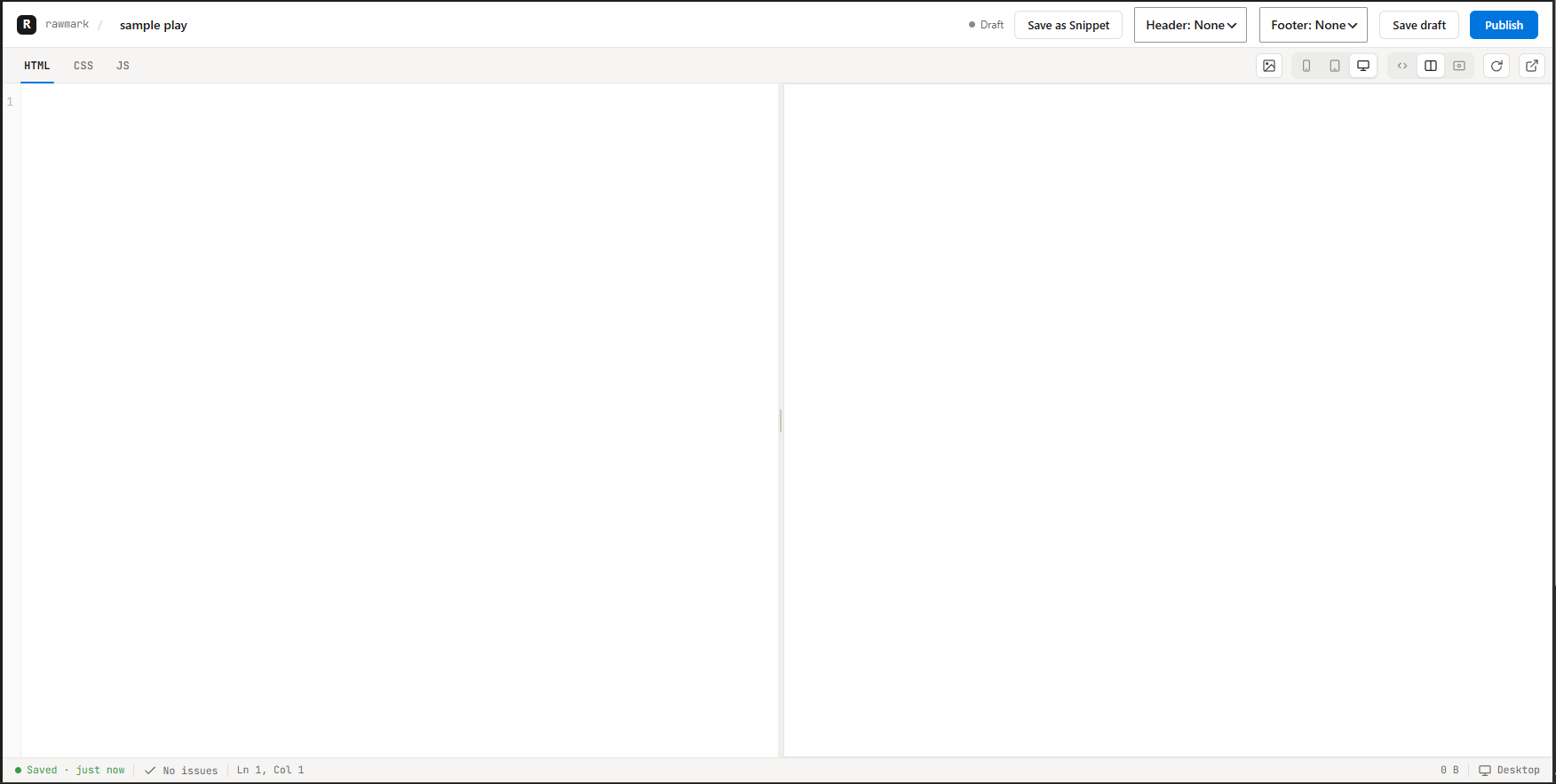
It's a plugin, and the idea is almost stupidly simple: give you three panes, HTML, CSS, and JS, and ship exactly what you put in them. No theme header wrapped around your markup. No block library CSS loading whether you asked for it or not. A bare <h1> looks like a browser-default <h1>, because nothing is resetting it behind your back. That's the trade, and honestly it's the whole pitch.
What a Rawmark page actually is
Every "Code Page" in Rawmark compiles down to one plain HTML document. Your CSS pane gets wrapped in a <style> tag and dropped in the <head>, so there's no flash of unstyled content. Your JS pane runs as a classic script at the end of <body>, after the DOM has already parsed, which means you don't need a DOMContentLoaded wrapper. Any plugin hooking into wp_head or wp_footer still fires normally, so Rank Math and friends behave exactly as they would on a theme page.
The HTML pane only takes body content, no <html>, <head>, or <body> tags of your own. Start with one root element and go from there. It's not a module either, so import won't work in the JS pane. If you need a library, pull it in with a <script src> in the HTML pane and wrap your own code in an IIFE to keep the global scope clean.
None of this is required, by the way. Most pages are entirely static, and the JS pane can sit empty forever. It only earns its keep for things that genuinely have to happen in the visitor's browser, like a mobile nav toggle or a scroll animation, not for anything that could be resolved on the server.
The parts that make it more than a text box
A static three-pane editor is fine for one page. It falls apart the moment you have a header used on forty pages, or a blog that needs a template instead of forty hand-written posts. Rawmark handles that with three mechanisms.
Snippets are reusable fragments, dropped into a page with a single marker like <!-- rawmark:snippet id='42' -->. The important part is that they're live, not copied. Edit the snippet once and every page referencing it updates on the next render. If you actually want a divergent one-off, you copy the content into the page yourself rather than inserting the snippet, which keeps the "live everywhere" behavior predictable instead of surprising.
Headers and footers work the same way but with a priority order. A page can pick its own header and footer snippet from the editor, and that choice always wins. If it hasn't picked one, it falls back to whatever snippet is designated the site-wide Header or Footer Template. Simple, and it means one badly chosen global header can't quietly break a page that was set up to opt out.
Post templates and post loops are how Rawmark deals with actual WordPress content instead of static markup. Designate one snippet as the Post Template, and it becomes the layout for every ordinary post, with seven merge tags (title, content, excerpt, date, featured image, permalink, author) substituted at render time. The post loop goes further and repeats a block of your own markup once per matching post, filtered by category, tag, or count, capped at 50 regardless of what you type. You write the markup, Rawmark supplies the data. That's really the entire dynamic-content story, three mechanisms, and I'd rather keep it at three than bolt on a templating language nobody asked for.
Fails quiet, not loud
One decision I'm fairly stubborn about: a broken reference in Rawmark never throws an error on the live page. A snippet pointing at a deleted ID, a header template that was never set, a post loop whose category slug has a typo, all of it just resolves to nothing. Silent, not broken. The one place this doesn't apply is malformed markup, specifically an unclosed post loop, which renders once as literal text instead of a repeating block. That one you'll notice, and the editor's lint indicator will flag the mismatched tag count before you find out the hard way.
Who should actually have access
Editing the HTML, CSS, and JS panes requires a capability granted to Administrators by default, and pane content is not sanitized on output. That's intentional. It's the same trust level as editing a theme's PHP files directly, not a comment field, and anyone holding that capability can write JavaScript that runs for every single visitor. Hand that permission out the way you'd hand out FTP access, not the way you'd hand out "can edit posts."
What's not there yet
Rawmark is v0.1.0, and I'd rather say plainly what's missing than let anyone assume it into existence. There's no placeholder or {{variable}} substitution inside snippets. There's no shared global stylesheet, so a CSS file used across pages is still your own responsibility to link. Nothing exposes page or snippet operations to an external agent, no MCP hooks, nothing like that yet. And SEO title and description fields exist in the data model but have no editor UI, so today every page just uses the real post or page title with no meta description set.
If you build WordPress sites and have ever wanted the control of hand-written HTML without giving up posts, categories, and the rest of what WordPress actually does well, the full authoring reference is at rawmark-guide.netlify.app, and the plugin itself is a zip download away on GitHub.
